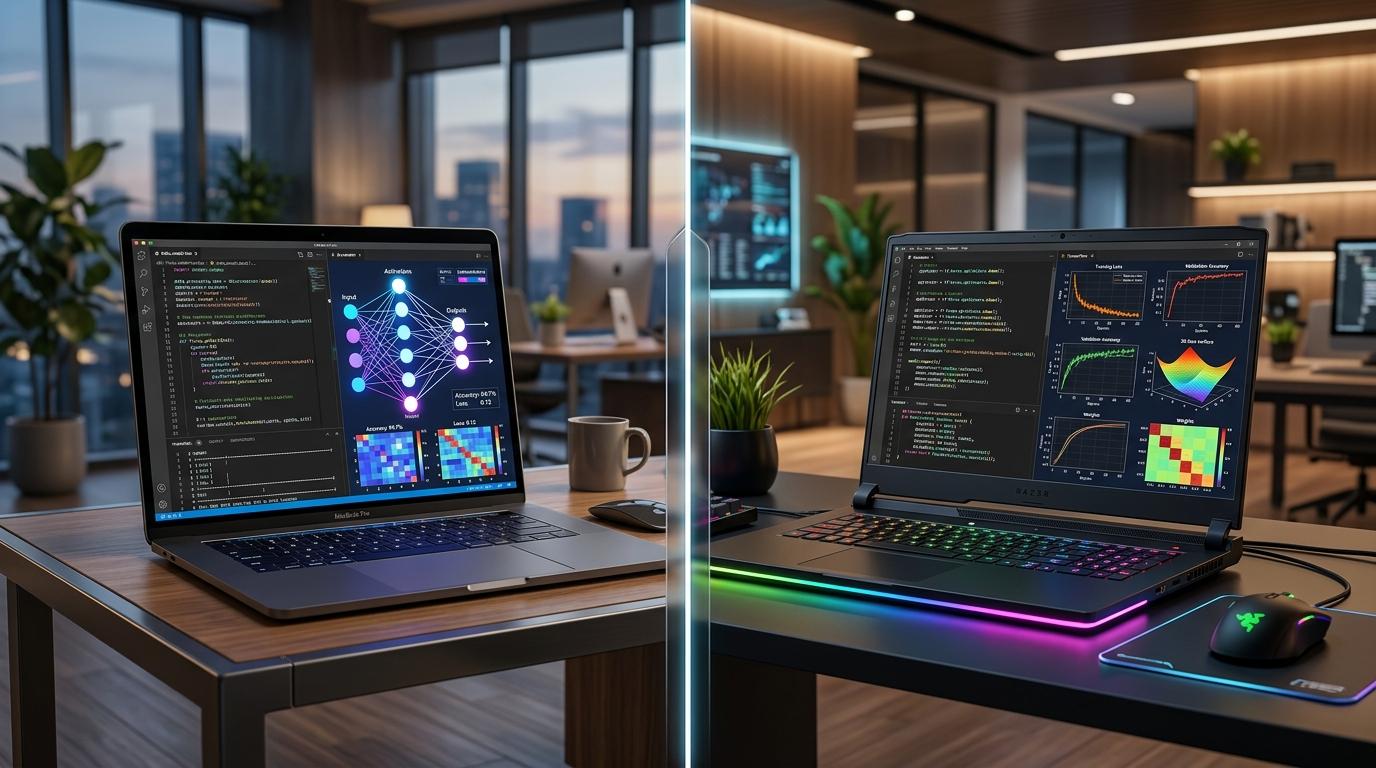
Choosing between a Mac and a PC for running local LLMs is a pivotal decision for any AI engineer. We explore the architectural differences between Apple's Unified Memory and NVIDIA's CUDA to help you decide which hardware best suits your development workflow.
The Rise of Local AI Inference
In the rapidly evolving landscape of AI engineering, the ability to run Large Language Models (LLMs) locally on one's machine has shifted from an enthusiast hobby to a professional necessity. Whether you are testing RAG pipelines, fine-tuning smaller models, or running local agents, the hardware you choose dictates your productivity. The debate between Apple Silicon Macs and Windows-based PCs remains the primary crossroads for developers today.
The Apple Silicon Advantage: Unified Memory
The introduction of Apple Silicon, specifically the M-series chips, fundamentally changed how we approach local LLMs. The standout feature is Unified Memory Architecture (UMA). Unlike traditional systems where data must be copied between the CPU and the discrete GPU, Apple Silicon allows the GPU to access the same memory pool as the CPU.
For local LLMs, this is a game changer. If you purchase a MacBook Pro with 64GB or 128GB of RAM, that entire capacity is effectively available for your model weights. This allows developers to run larger parameter models that would typically require expensive, multi-GPU workstation setups on a PC.
The PC Performance Paradigm: CUDA Dominance
While Macs excel in memory capacity, PCs running NVIDIA GPUs remain the gold standard for performance, primarily due to the CUDA ecosystem. Most open-source AI research and optimization libraries are built for CUDA first. If your workflow involves heavy fine-tuning or training, the raw throughput of an NVIDIA RTX 4090 laptop is difficult to beat.
PCs also offer the benefit of modularity. While laptops are harder to upgrade than desktops, the PC ecosystem allows for a wider variety of specialized hardware configurations. Furthermore, if you are working on projects that require seamless integration with legacy Windows-based enterprise tools, a high-end PC laptop provides fewer compatibility hurdles.
Key Considerations for the AI Engineer
When selecting your next machine, consider the specific nature of your development cycle. If your work involves building RAG systems or deploying lightweight models via Vite+ frontends, the Mac's efficiency is unmatched for daily battery life and portability. However, if your focus is on intensive Fine Tuning or complex Batching operations, the raw CUDA power of a PC is often non-negotiable.
Another factor to consider is the software stack. Most containerised workflows using Docker work seamlessly on both, but Apple Silicon sometimes requires specific considerations for x86_64 emulation. Conversely, Windows users can leverage WSL2 (Windows Subsystem for Linux), which provides a near-native environment that is surprisingly robust for Python-heavy development.
Conclusion: Which path to choose?
The choice between Mac and PC for local LLM development ultimately boils down to your primary use case:
Choose a Mac if: You prioritise large model inference, mobility, and a unified memory architecture that allows you to load massive models on a single device without complex multi-GPU rigs.
Choose a PC if: Your workflow relies heavily on CUDA-specific libraries, deep-learning training, or if you need the highest possible raw performance for compute-intensive tasks.